

Catalog readiness
80,224
48%



Keep Shopify collections fresh
without losing control.
ShelfOps helps Shopify merchants rotate product visibility, protect pinned and stocked products, schedule safe sorting runs, and keep backups, metrics, and execution history visible from one focused workspace.
- Built for Shopify merchants.
- Safe Shuffle with guardrails.
- Schedules, backups, and run visibility.
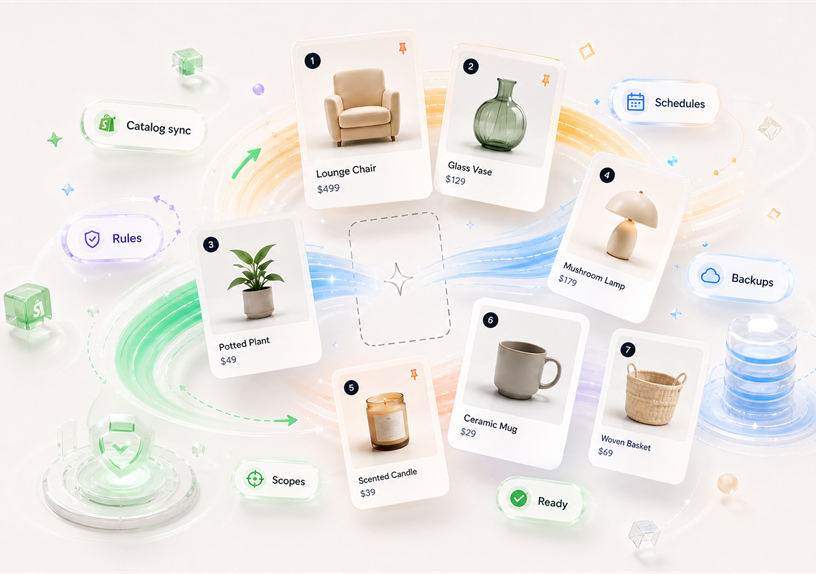

Your storefront should not keep showing the same products.
ShelfOps gives Shopify merchants a safer way to refresh collection order, surface new and in-stock products, and keep merchandising decisions visible.
-
Shopify app connection and access-scope visibility
-
Collection metadata synchronization
-
Safe sorting rules, schedules, backups, and execution status


Why Shopify merchants use ShelfOps.
Keep collection pages active without handing control to a blind shuffle. ShelfOps combines Safe Shuffle, guardrails, schedules, backups, and run visibility in one Shopify-focused workspace.
Catalog data you can trust before sorting.
Sync Shopify collection metadata so sorting decisions start from the current collection configuration.
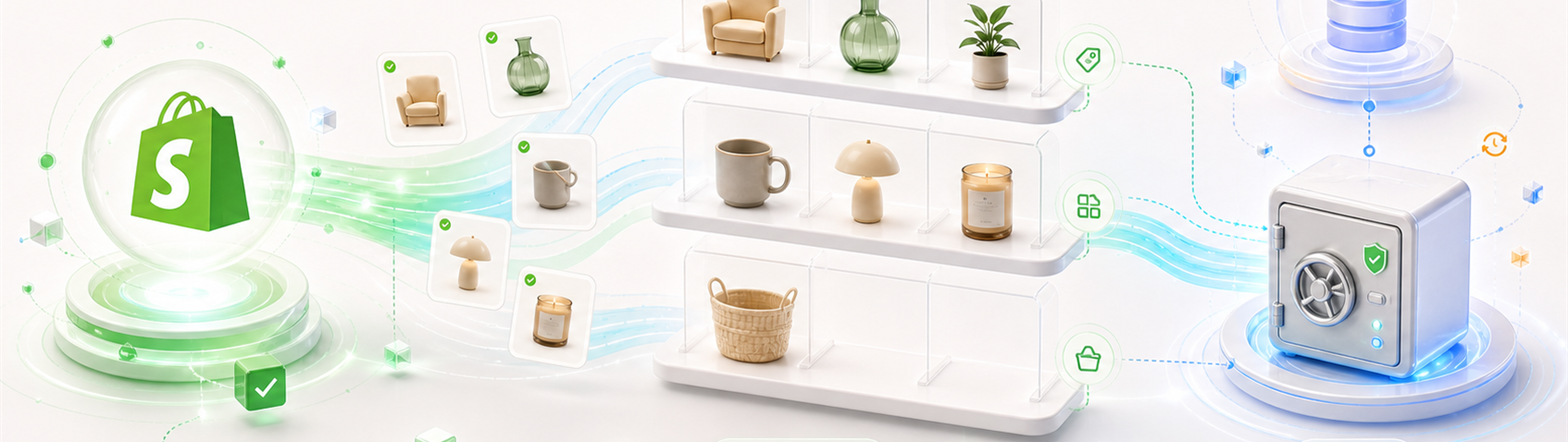
Built around Shopify connection state.
Install through Shopify, resolve the current store, and keep required access scopes visible.
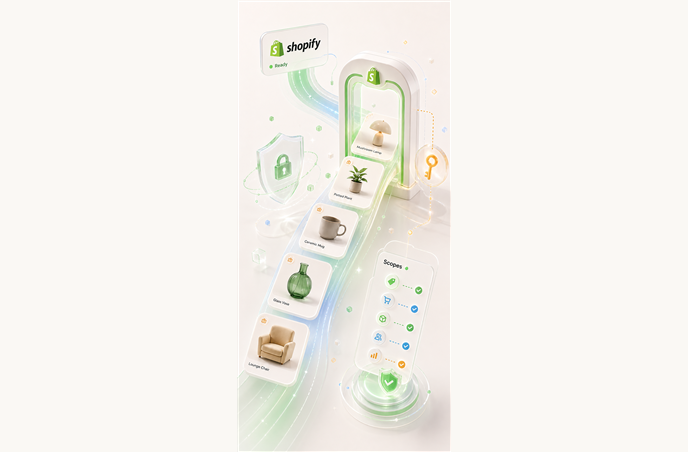
Collection visibility for growing catalogs.
Review current collection metadata before new, active, or stocked items disappear below stale ordering.
Safe automation for collection merchandising.
Use Safe Shuffle, sorting rules, schedules, metrics, and safety backup visibility to refresh collections with guardrails.
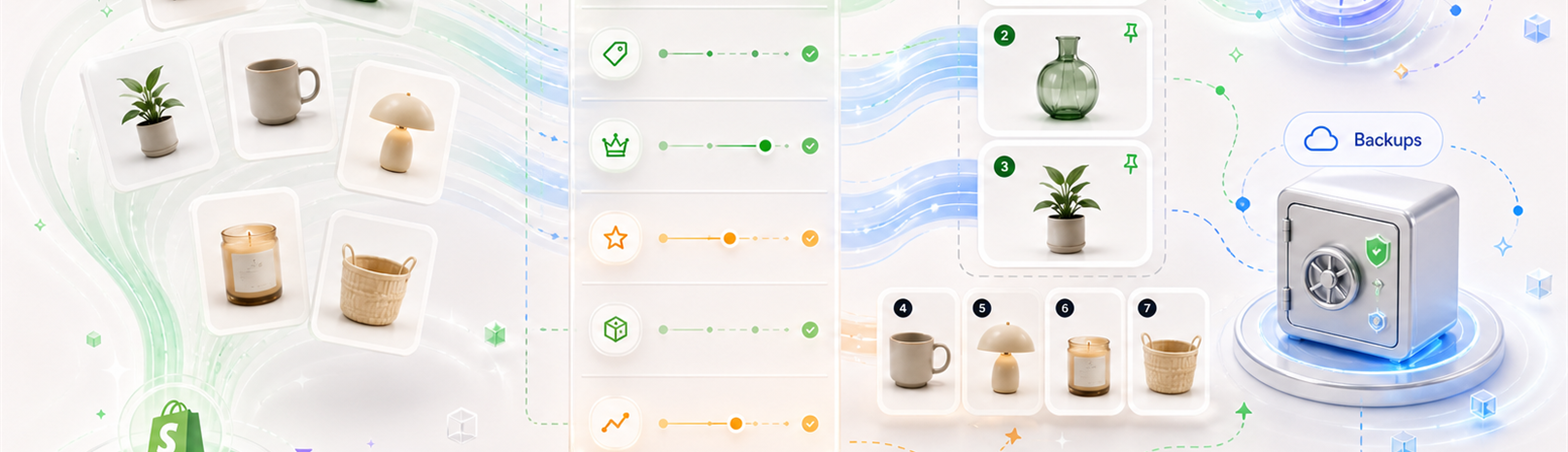
Every run stays visible before and after it changes a collection.
ShelfOps keeps the reasons, timing, and backup context close to each Shopify collection sorting workflow.
Metrics and permission health.
Check Shopify readiness, required scopes, catalog status, backup resources, activity events, and execution metrics from the app workspace.
Sorting rules with clear intent.
Define how collections should behave before automation runs, using scope, priority, tags, and preview controls.
Schedules that reduce manual work.
Plan recurring collection sorting runs without hiding what will run next, when it will run, or which strategy it will use.
Safety backups and catalog synchronization.
Keep catalog sync status visible and review collection-order safety backups created before shuffle runs.
From Shopify connection to controlled collection refresh.
A simple workflow for syncing catalog data, setting guardrails, scheduling runs, and reviewing what changed.

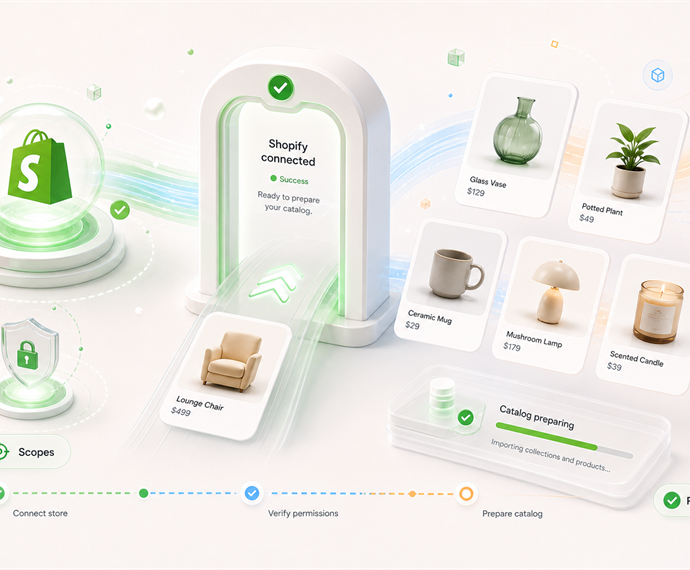
Connect Shopify.
Start with your store domain and connect ShelfOps through the Shopify installation process.

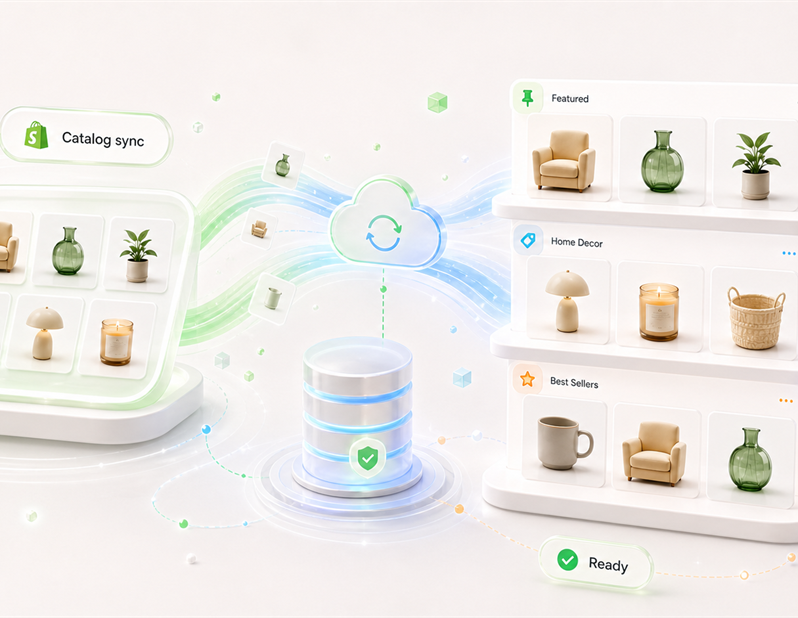
Sync catalog data.
Keep Shopify collection metadata, backup status, and reconcile state visible.

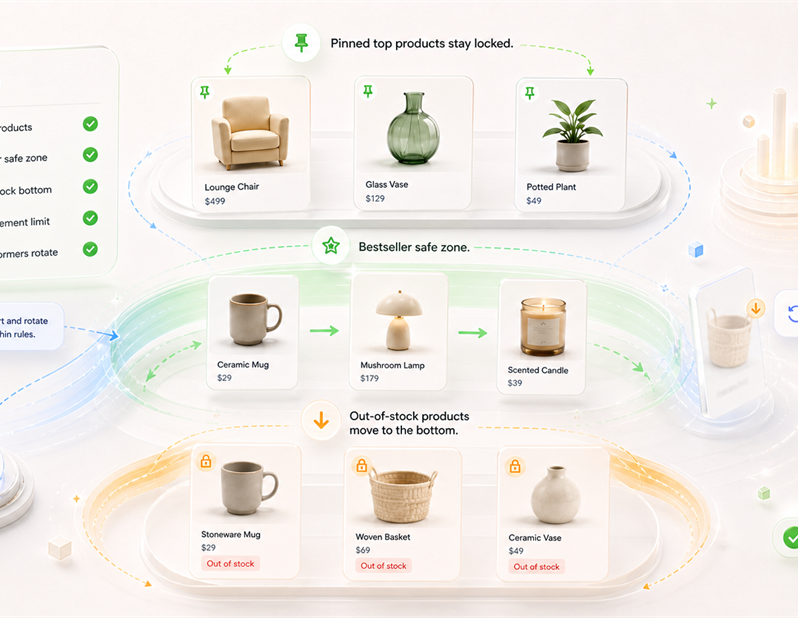
Set collection guardrails.
Use Safe Shuffle, pinned products, stock rules, movement limits, strategies, and previews.

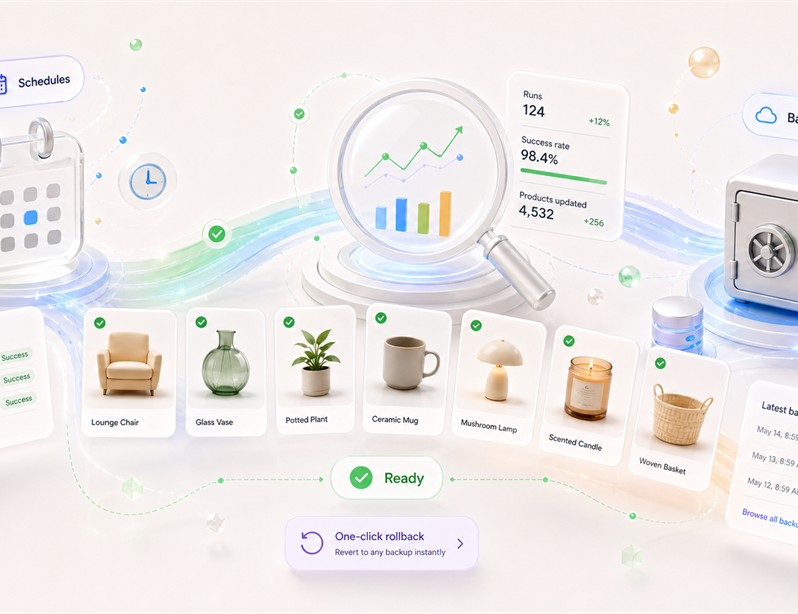
Schedule and review runs.
Check upcoming runs, execution status, metrics, scopes, and safety backups before and after changes.
Where Shopify collection control breaks down.
ShelfOps is built for the moments when new products get buried, out-of-stock products stay visible, or no one can tell what a scheduled sort changed.
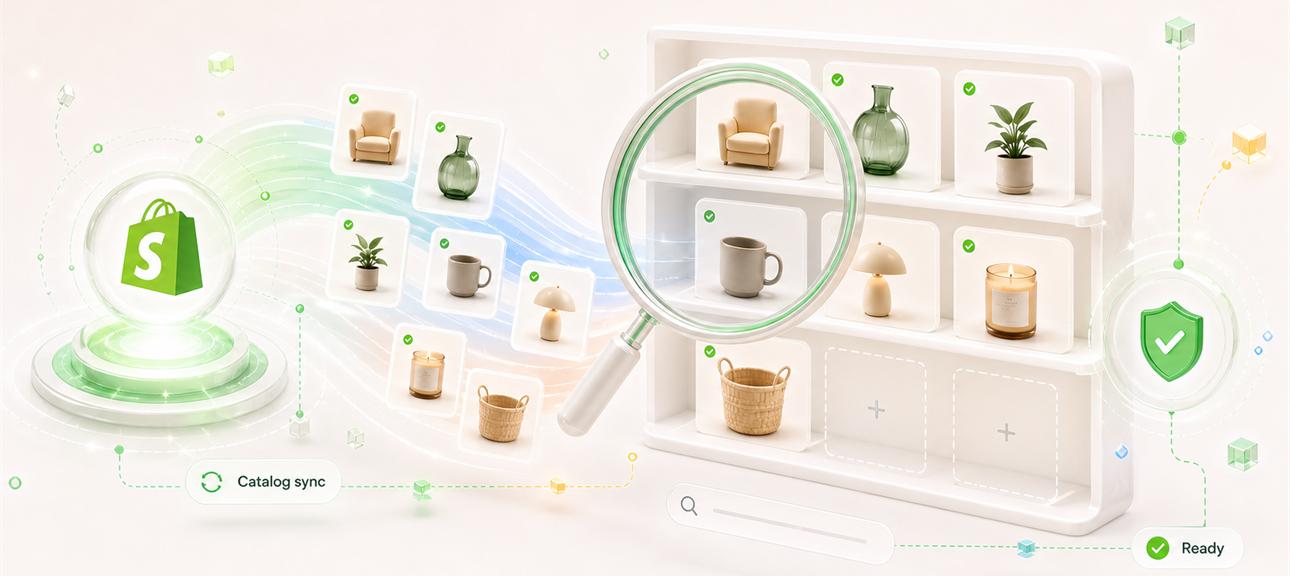
Catalog sync and collection visibility.
Keep collection metadata current before deciding what should move.
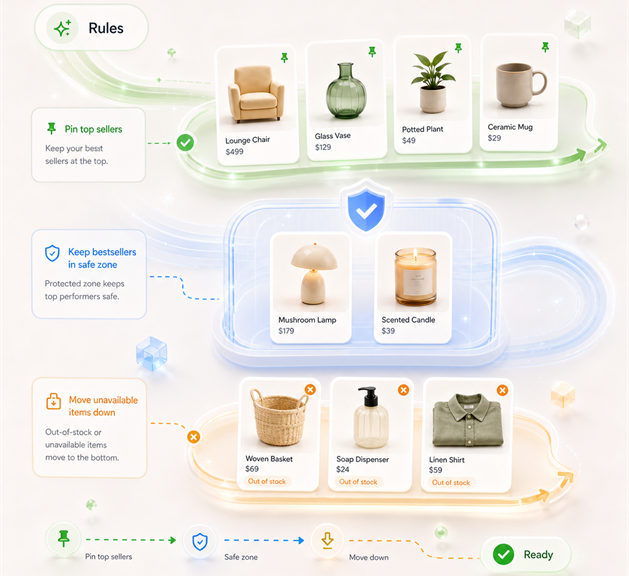
Sorting rules for collection intent
Make merchandising intent visible before ShelfOps applies collection sorting logic.
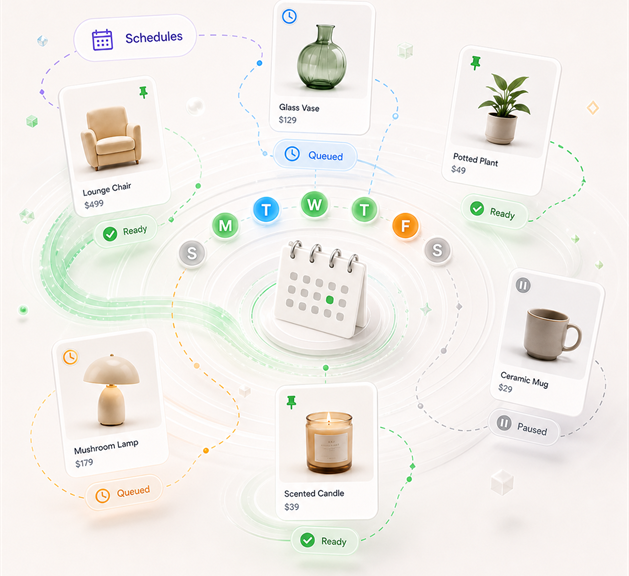
Schedules for recurring collection freshness
Refresh collections on a planned cadence while keeping status, frequency, date, time, and weekdays visible.
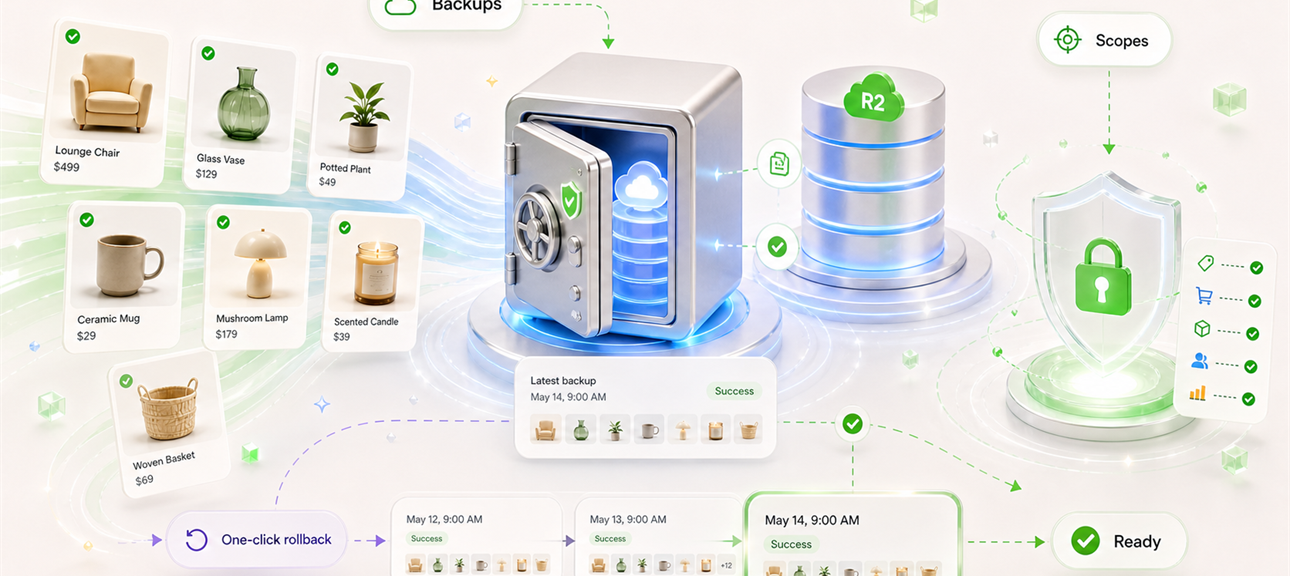
Metrics, scopes, and backup visibility
Review Shopify readiness, permission health, execution signals, and backup resources.
Collection operations with visible controls.
The workspace keeps Shopify connection, catalog sync, schedules, backups, and managed collection limits clear.
1+
Shopify connection path.
6
core control surfaces.
3
catalog sync paths.
5+
free managed Shopify collections.
What stays visible when ShelfOps updates a collection.
Merchants can see the catalog context, rule intent, schedule state, permission health, and backup resources tied to collection work.

"Collection metadata stays current after Shopify reconcile."
ShelfOps workspace
Shopify catalog sync

"Sorting rules make collection intent explicit before automation runs."
ShelfOps workspace
Collection rules

"Schedules keep upcoming collection refreshes visible across status and strategy."
ShelfOps workspace
Collection schedules

"Metrics and permission checks make Shopify readiness easier to audit."
Permission health
Metrics surface

"Backup resources and sync state stay close to the collection workflow."
Backup review
R2 resources
Plans for Shopify collection freshness.
Start with up to 5 managed Shopify collections, then upgrade when you need unlimited scheduled sorting workflows.
Free
- Shopify app connection visibility
- Collection metadata sync
- Manage up to 5 Shopify collections
- Safe sorting rules and schedules
- Metrics and Shopify permission health
- Safety backup visibility

Pro
- Shopify app connection visibility
- Unlimited managed Shopify collections
- Catalog sync, rules, schedules, and metrics
- Unlimited scheduled sorting workflows
- Catalog status, permission health, and backup visibility
- 14-day Shopify-hosted trial
Frequently asked questions.
Answers for Shopify merchants preparing to install or operate ShelfOps for catalog sync, collection sorting, schedules, safety backups, metrics, and billing.
What does ShelfOps do?
ShelfOps helps Shopify merchants manage collection metadata reconcile, collection sorting rules, schedules, collection-order safety backup metadata, metrics, execution logs, and access-scope visibility from one focused workspace.
Why are Shopify permissions needed?
ShelfOps needs Shopify permissions so it can read collection metadata and the selected collection's sort-time snapshot. Some workflows also require write access, such as applying a merchant-approved collection sort order.
Which data is synced?
ShelfOps syncs store identity and collection metadata needed for collection sorting. Order data is used for order-based sorting strategies, and inventory data supports availability and inventory-based strategies, subject to the required Shopify permissions.
Does ShelfOps change products automatically?
ShelfOps is designed around merchant-configured workflows. Collection sorting changes happen through rules and schedules configured by the merchant, and merchants should review settings before applying or scheduling changes.
What are backups used for?
Collection-order safety backup metadata helps merchants understand the previous order before a shuffle and supports rollback workflows. It is not a replacement for merchant review, Shopify admin review, or store QA.
How do billing and trials work?
Paid plans and trials are handled through Shopify Billing where applicable. Shopify may show approval, trial, renewal, and cancellation details inside the Shopify admin before charges are accepted.
What happens after uninstall?
After uninstall or a verified deletion request, ShelfOps removes or anonymizes merchant data unless retention is required for legal, security, fraud prevention, billing, dispute, or operational recordkeeping reasons.
How do I contact support?
Email [email protected] with your Shopify shop domain, issue summary, relevant ShelfOps page, approximate timestamp, and screenshot or video if available.
Start by connecting your Shopify store.
Connect Shopify, sync your catalog, and start managing collection freshness from one focused workspace.